AboutPDFAid is an all-in-one online PDF editor and converter that runs entirely in the browser. People can edit, convert, merge, split, compress, and sign PDFs and other popular file types from any device, with nothing to install or maintain. The goal is to make working with documents simple, reliable, and accessible to everyone.
PDFAid was created to make everyday document work easier. Its team saw that people regularly needed to edit, convert, merge, or sign a PDF but were forced to choose between heavy desktop software, confusing menus, and pricing that didn’t fit a small task. PDFAid started as a response to that gap, bringing the essential document tools into one simple browser workspace that anyone can use from any device.
PDFs are part of work, school, and everyday life, and PDFAid gives people one place to handle them. Users upload a file, make the change they need, and download the result. One subscription covers every tool, so there is no paying tool by tool.
What you can do with PDFAid
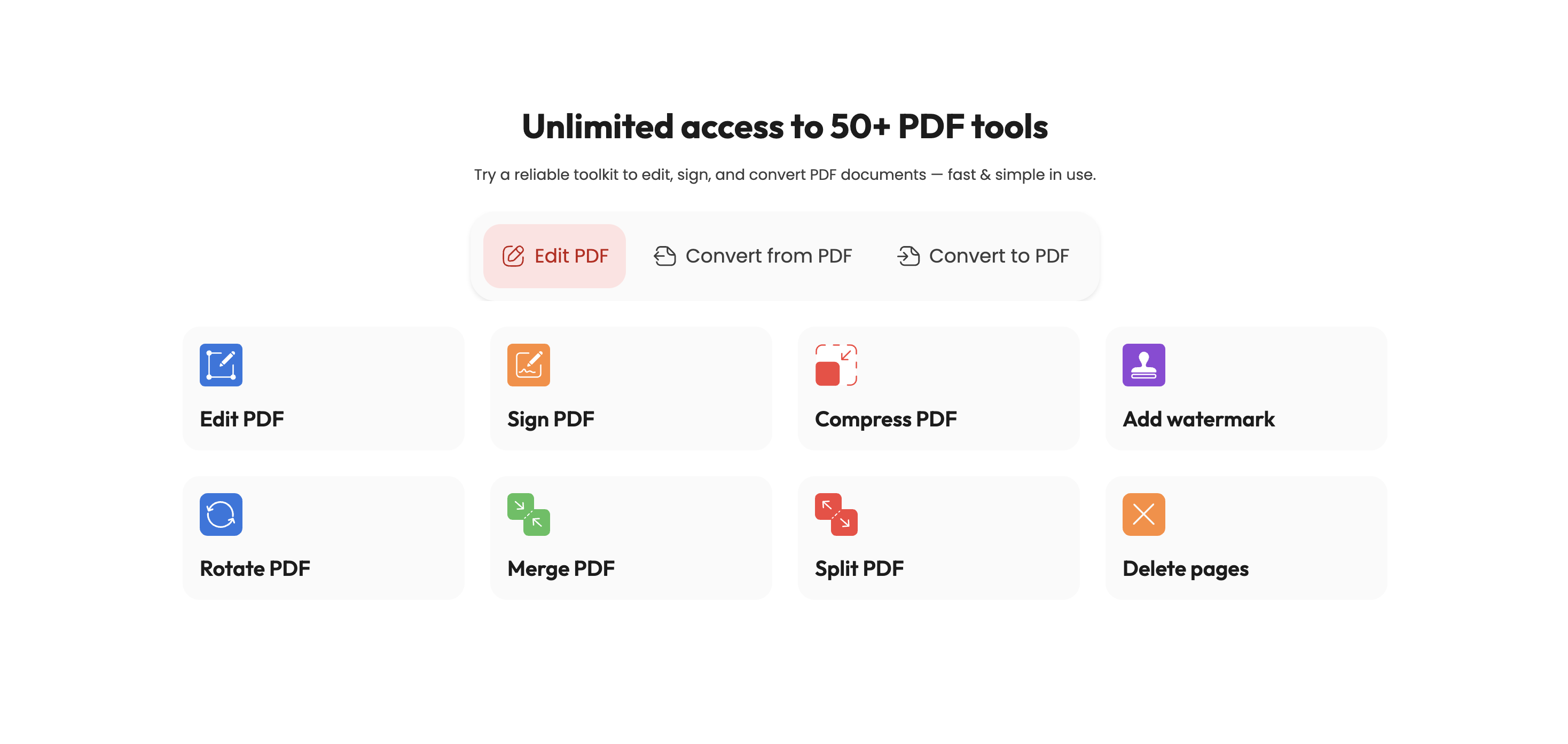
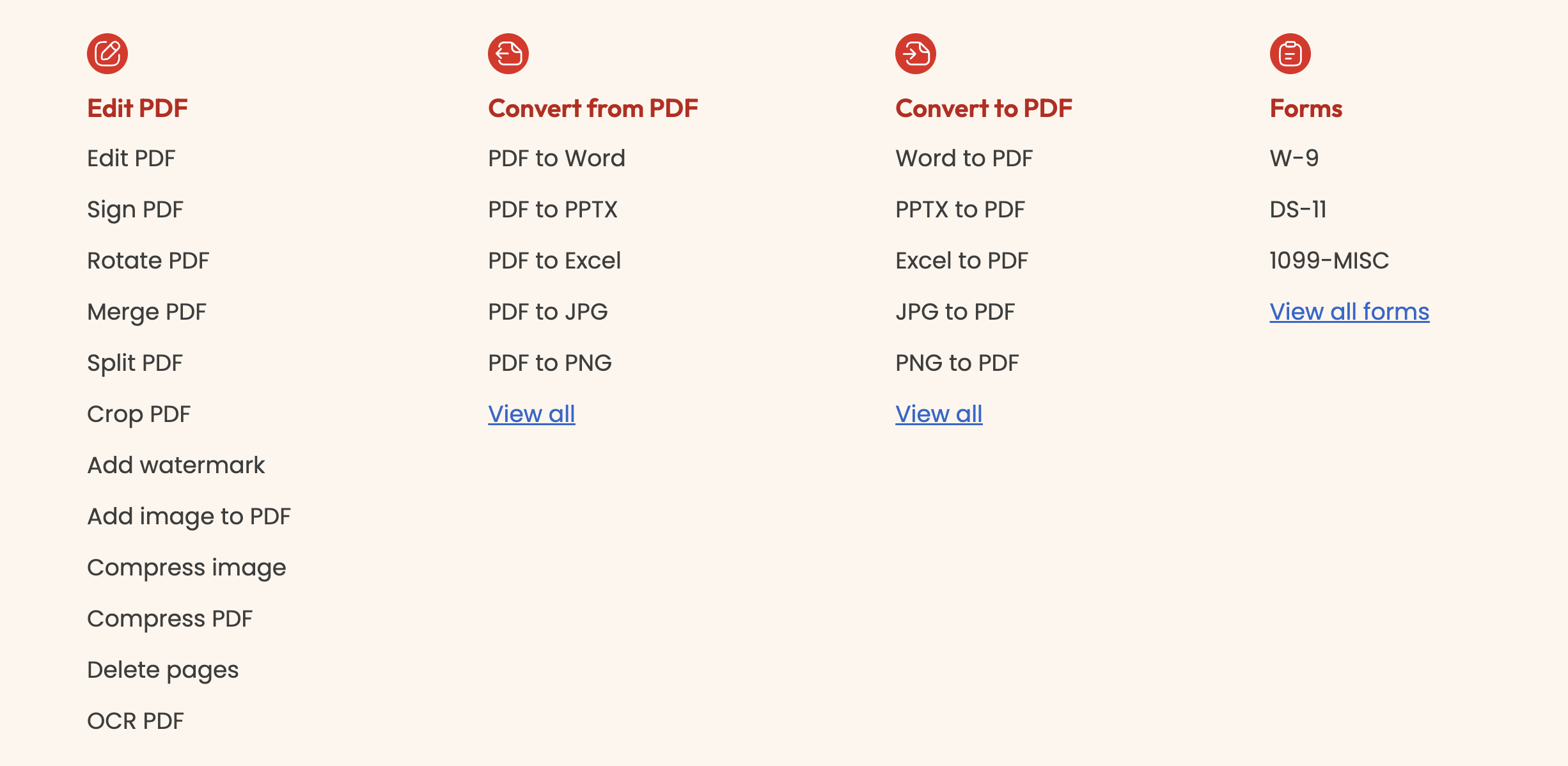
Edit: change text and add text boxes, images, links, and shapes in a PDF, or edit DOC and DOCX files in the browser.
Convert: turn PDFs into Word, Excel, PowerPoint, JPG, or PNG, or convert Word, Excel, PowerPoint, images, HTML, and EPUB into PDF.
Merge and split: combine up to 12 PDFs into one file, merge PDF and Word files together, split a PDF into separate files, or extract selected pages.
Organize pages: rotate, reorder, delete, insert, duplicate, and crop pages.
Compress: reduce file size for email or upload limits.
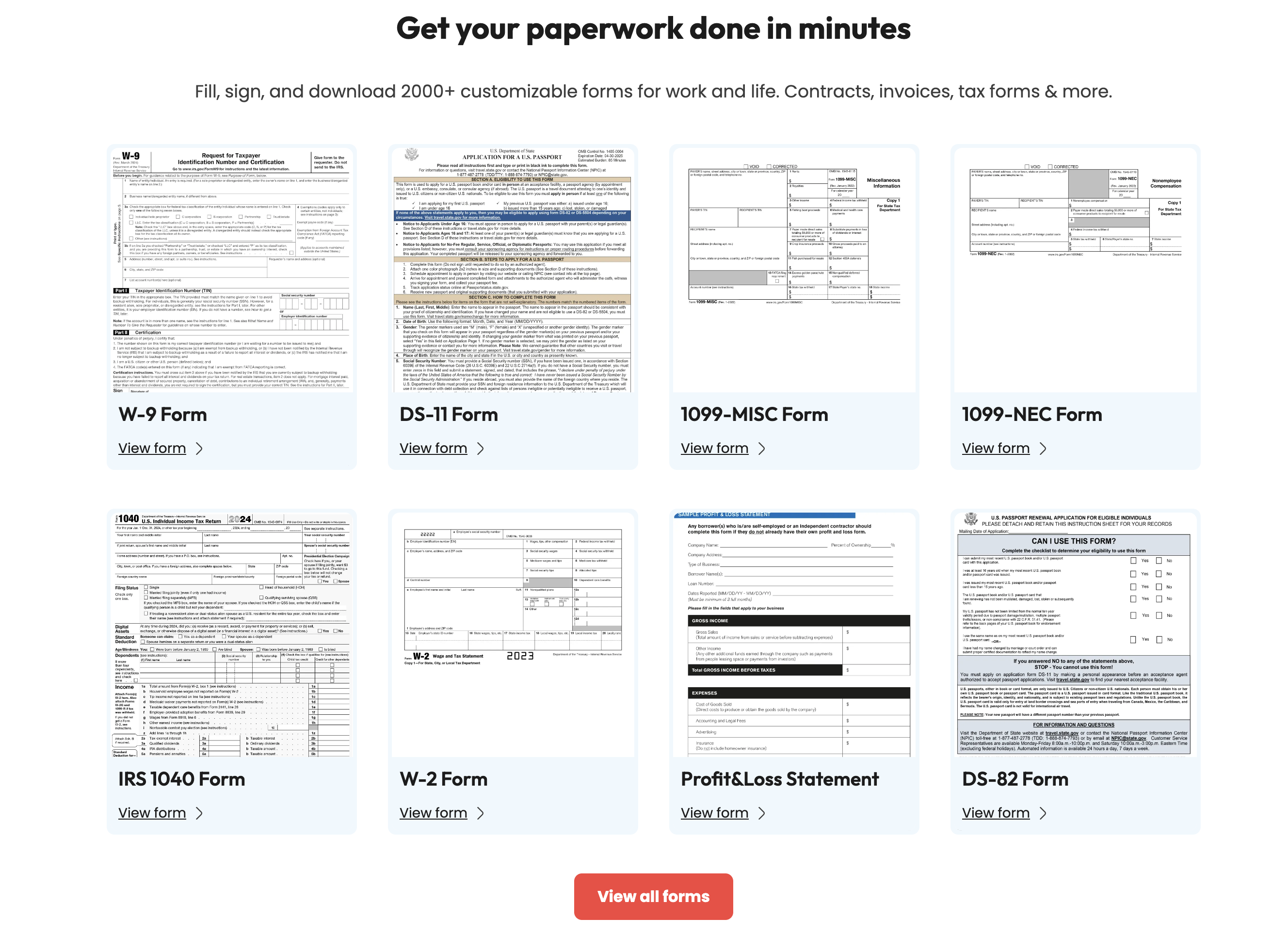
Sign and fill forms: draw, type, or upload a signature, send documents to others by email, fill and sign in one pass, or create fillable forms with text fields, checkboxes, dropdowns, and signature blocks.
OCR: turn scans and photos into searchable, editable text.
Review and protect: add comments, highlights, drawings, stamps, and text watermarks, or permanently redact sensitive text and pages.
Translate and transcribe: translate a whole PDF (up to 30 MB) or turn audio and video into a PDF transcript.
Accounts also include unlimited storage, text search inside PDFs, undo and redo, right-to-left language support (Arabic and Hebrew), and file sharing by email. Most tools accept files up to 100 MB. Support is available 24/7 by chat, email, and phone, and the website is available in 30+ languages.
Who it’s for
PDFAid serves students handling assignments and submissions, professionals and freelancers working with contracts and invoices, small teams and companies sharing documents across countries, schools and universities managing course materials, and everyday people dealing with forms, receipts, rental agreements, and scans. The interface is straightforward enough for non-technical users, and the tools behave predictably.
Brand pillars
PDFAid is built around everyday workflows, one workspace for all document tasks, online access from any device, clear usability, and simple value through a single subscription.
PDFAid ranks #2 of 2 in Data Integration on Softrated, with a Score of 33/100.
LAUNCHED IN2021
VENDORPDFAid
PLATFORMSWeb · macOS · Windows
DEPLOYMENTSelf-hosted